VSmart School1.13.0
Publisher Description
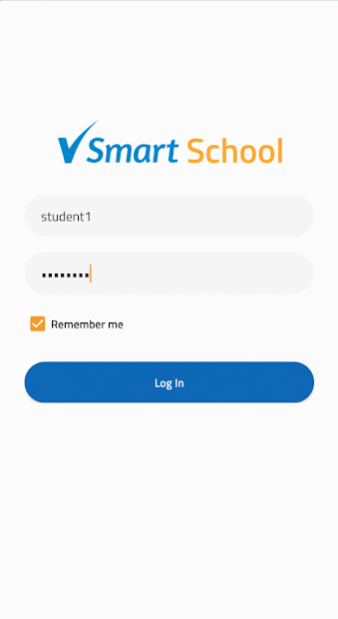
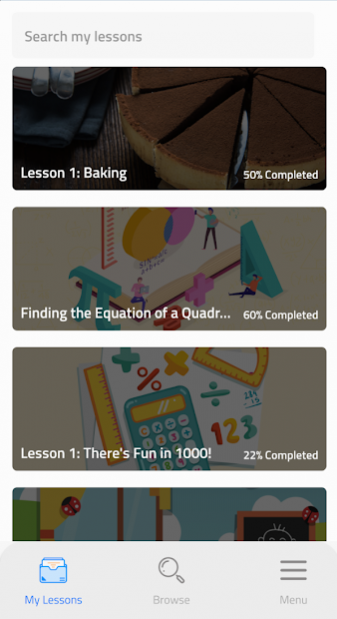
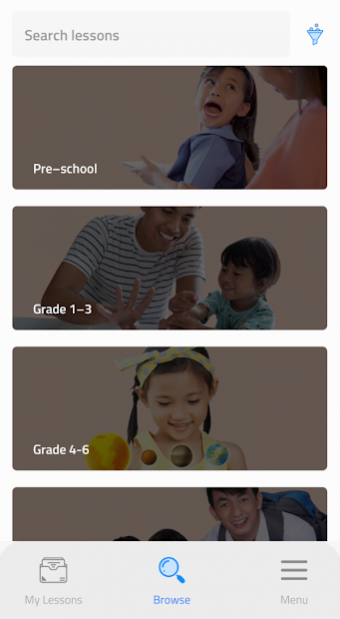
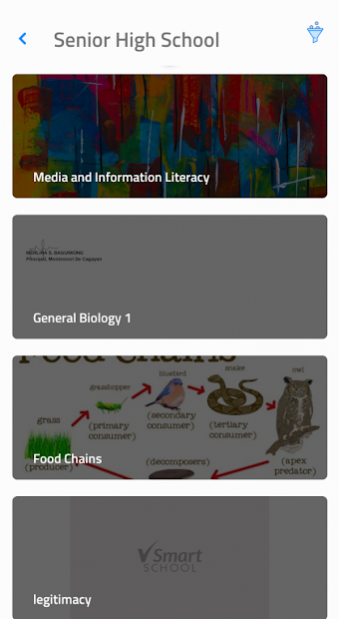
VSmart School
Bring the classroom into your home
VSmart School is a one-stop teaching and learning platform that supports self-paced, teacher-paced, asynchronous, and synchronous formal education online.
In VSmart School, students will attend daily online classes and access Vibal’s DepEd-aligned digital curriculum from preschool to senior high school, across all subjects. With the guidance of parents and teachers, students learning from their homes during class suspensions or cancellations will follow DepEd’s recommended day-to-day lesson calendar for an entire school year.
Teachers using VSmart School can schedule and follow their students’ progression through the classes and will also have access to Vibal’s test bank and lesson plan repository mapped to the curriculum. Teachers can also live stream or conduct online classes securely from the platform.
VSmart School provides both teachers and learners future-proof learning opportunities that go beyond the traditional classroom experience.
About VSmart School
The company that develops VSmart School is Vibal Group. The latest version released by its developer is 1.13.0.
To install VSmart School on your Android device, just click the green Continue To App button above to start the installation process. The app is listed on our website since 2022-03-07 and was downloaded 8 times. We have already checked if the download link is safe, however for your own protection we recommend that you scan the downloaded app with your antivirus. Your antivirus may detect the VSmart School as malware as malware if the download link to com.vibalgroup.vsmartschool is broken.
How to install VSmart School on your Android device:
- Click on the Continue To App button on our website. This will redirect you to Google Play.
- Once the VSmart School is shown in the Google Play listing of your Android device, you can start its download and installation. Tap on the Install button located below the search bar and to the right of the app icon.
- A pop-up window with the permissions required by VSmart School will be shown. Click on Accept to continue the process.
- VSmart School will be downloaded onto your device, displaying a progress. Once the download completes, the installation will start and you'll get a notification after the installation is finished.
Program Details
System requirements
Download information
Pricing
Version History
version 1.13.0
posted on 2022-03-07
v1.13.0 20220307
What's New:
-True or False type of question in Test Guru.
-Fixes on fill in the blanks and enumeration types of question.
v 1.12.0 20220301
-School Bulletin for posting of Announcements for Teacher and Administrator.
-Comment and Like functions to posts for Students.
-Prevents screenshot on the Application.
-Fix on logout crashing issue on Profile module
version 1.11.0
posted on 2022-02-03
v 1.11.0 20220203
Implementation of Notification Feature for the following:
- My Lessons
-My Book
-Assessment (Test Guru)
Minor Bug Fixes
version 1.11.0
posted on 2022-01-10
v 1.10.0 20220110
Implementation of Notification Feature for the following:
- My Lessons
-My Book
-Assessment (Test Guru)
version 1.10.0
posted on 2021-12-15
v 1.10.0 20211215
Implementation of Test Guru Feature with the following test types:
- Short Answer
- Identification
- Essay
- Multiple Choice
- Enumeration
- Fill in the Blanks
version 1.10.0
posted on 2021-12-14
v 1.10.0
Implementation of Test Guru Feature with the following test types:
- Short Answer
- Identification
- Essay
- Multiple Choice
- Enumeration
- Fill in the Blanks
